 Forefront
Class Settings
Editing a class's name, term, and other settings.
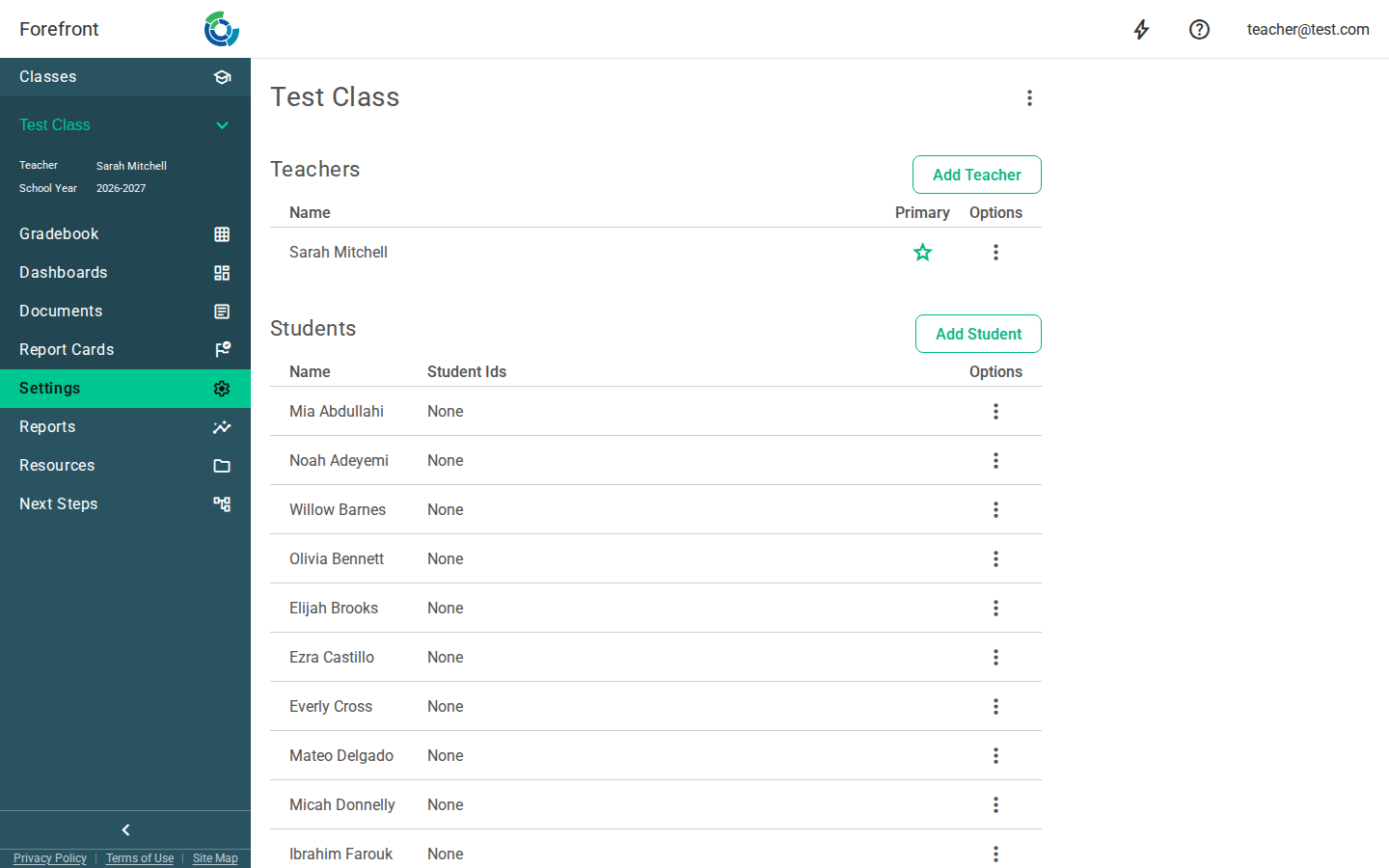
The Class Settings page is where you manage the people and course attached to a class — its teachers, its students, and which of the course’s curricula are active for the class.
Class name
The class name is shown at the top, along with a tag if the class has one. Use the menu (⋮) next to the name to rename the class or access other class-level actions.
Teachers
The Teachers table lists everyone teaching the class. A ⭐ marks the primary teacher. Use Add teacher to assign another teacher, and each row’s options menu to change the primary teacher or remove a teacher. (Editing options only appear if you have permission to modify the class.)
Students
The Students table lists enrolled students and their student IDs. Use Add student to enroll students, and a row’s options menu to manage or remove a student.
Course & curricula
The Course section shows the course the class is tied to and lists that course’s curricula. Each curriculum has an Active toggle that controls whether it’s in use for this class — turn a curriculum on or off here. If you can modify the class, an edit control lets you change the assigned course.
Permissions
Editing controls (add/remove, menus, course editing) appear only when you have permission to modify the class. If you’re viewing a class you don’t manage, you’ll see the information without the editing actions.