 Forefront
Student Activities
Next-step activities performed for a student.
The Activities page shows the next-step activities that have been marked as performed for a student — either logged directly for the student, or logged for a class they’re enrolled in. It’s a simple record of what’s been done to support the student.
Reading the activities table
Each performed activity is one row, with these columns:
- Activity — the next-step item’s name, with the library it comes from shown underneath. Click the activity name to open that item in Next Steps.
- For — who the activity was performed for. A Class tag with the class name means it was logged for a whole class the student is in; otherwise it shows This student, meaning it was logged just for them.
- Recorded by — the educator who logged the activity.
- Date — the date the activity was performed.
Removing an activity
If you logged an activity yourself, its row shows a delete (trash) button on the right. Click it to remove that record, and the table refreshes. You can only remove records you recorded — activities logged by other educators (including class-wide activities logged by someone else) won’t show a delete button.
When there are no activities yet
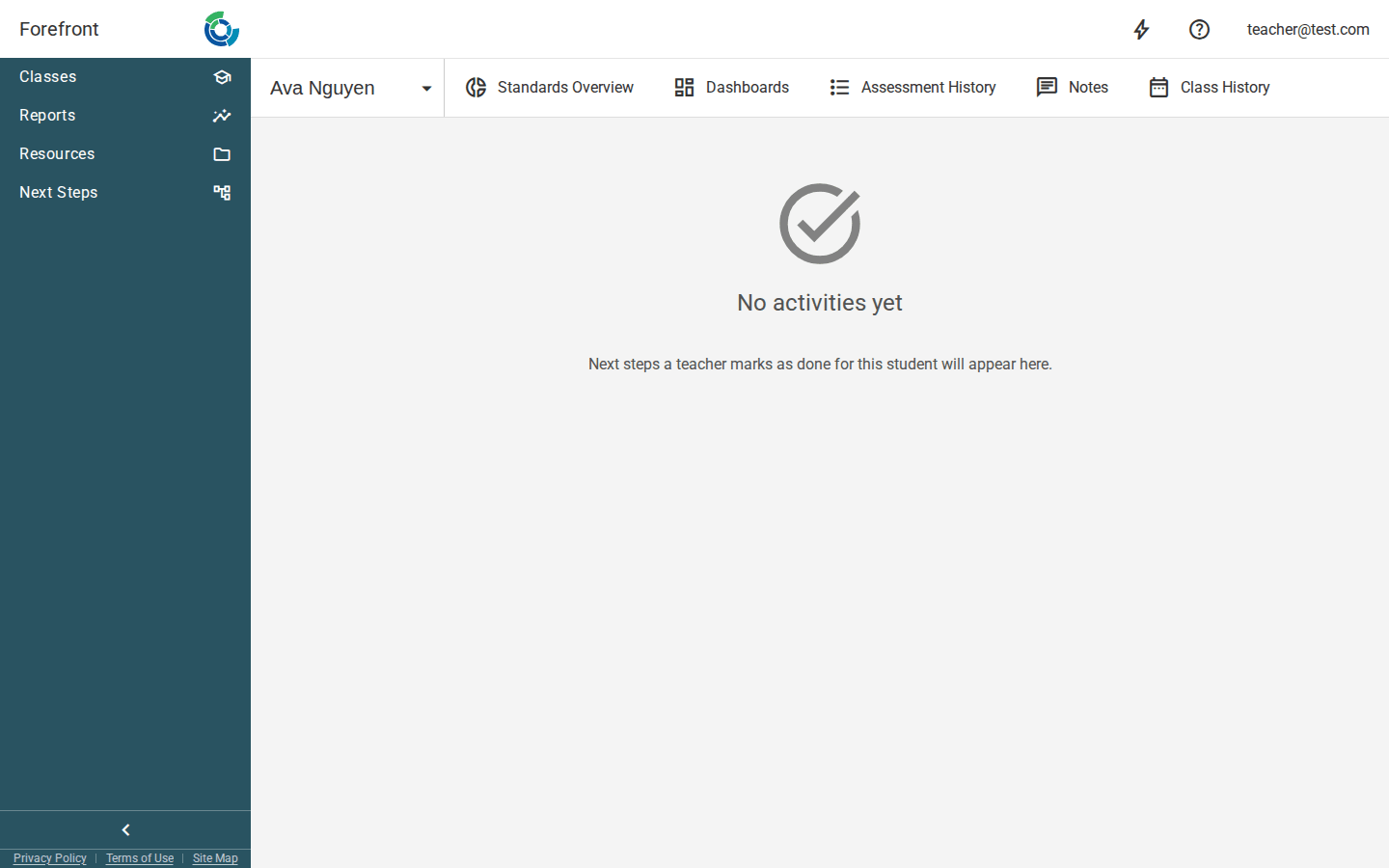
Before anything has been logged, the page shows a “No activities yet” placeholder with the note that next steps a teacher marks as performed for this student will appear here. Once activities are recorded, they’ll be listed in the table.