 Forefront
Student Class History
The classes a student has been enrolled in.
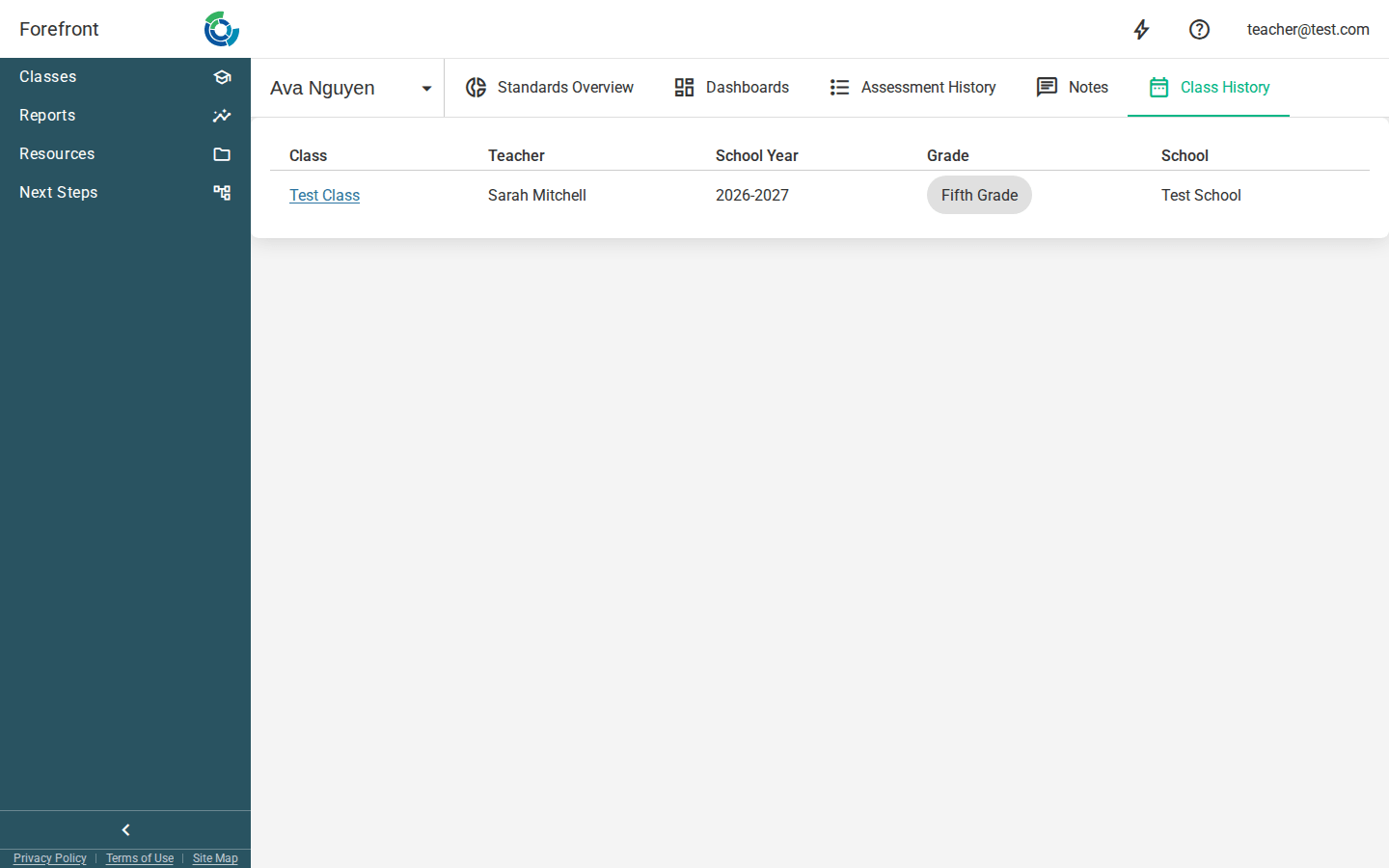
The Class History page lists every class a student has been enrolled in, newest school year first. It’s a quick way to see where a student has been — which teacher, which school, and which grade — across their time in your district.
Reading the table
Each row is one class the student was enrolled in. The table shows five columns:
- Class — the class name (or the course name if the class isn’t named). If the class has a tag, it appears as a chip next to the name.
- Teacher — the class’s primary teacher, or No Primary Teacher if none is assigned.
- School Year — the term the class ran in.
- Grade — the grade level(s) for the class, shown as chips.
- School — the school the class belongs to.
Classes are sorted by school year, most recent at the top.
Opening a class
Click a class name to jump straight to that class. This is handy for following a student back to a past class to review their gradebook, standards, or roster in context.
Printing
The page includes a print header with the student’s name and student ID, so a printed copy of the history is clearly labeled.
If the page looks empty
If the student’s class history can’t be loaded, the page shows an “Unable to load class history” message with the reason. Otherwise, a student with no enrollments will simply show an empty table.