 Forefront
Student Notes
Notes recorded about a student.
The Notes page keeps a running record of observations about a student — anecdotal notes, reminders, and snapshots of work. Notes are a great place to capture the context that scores alone don’t show.
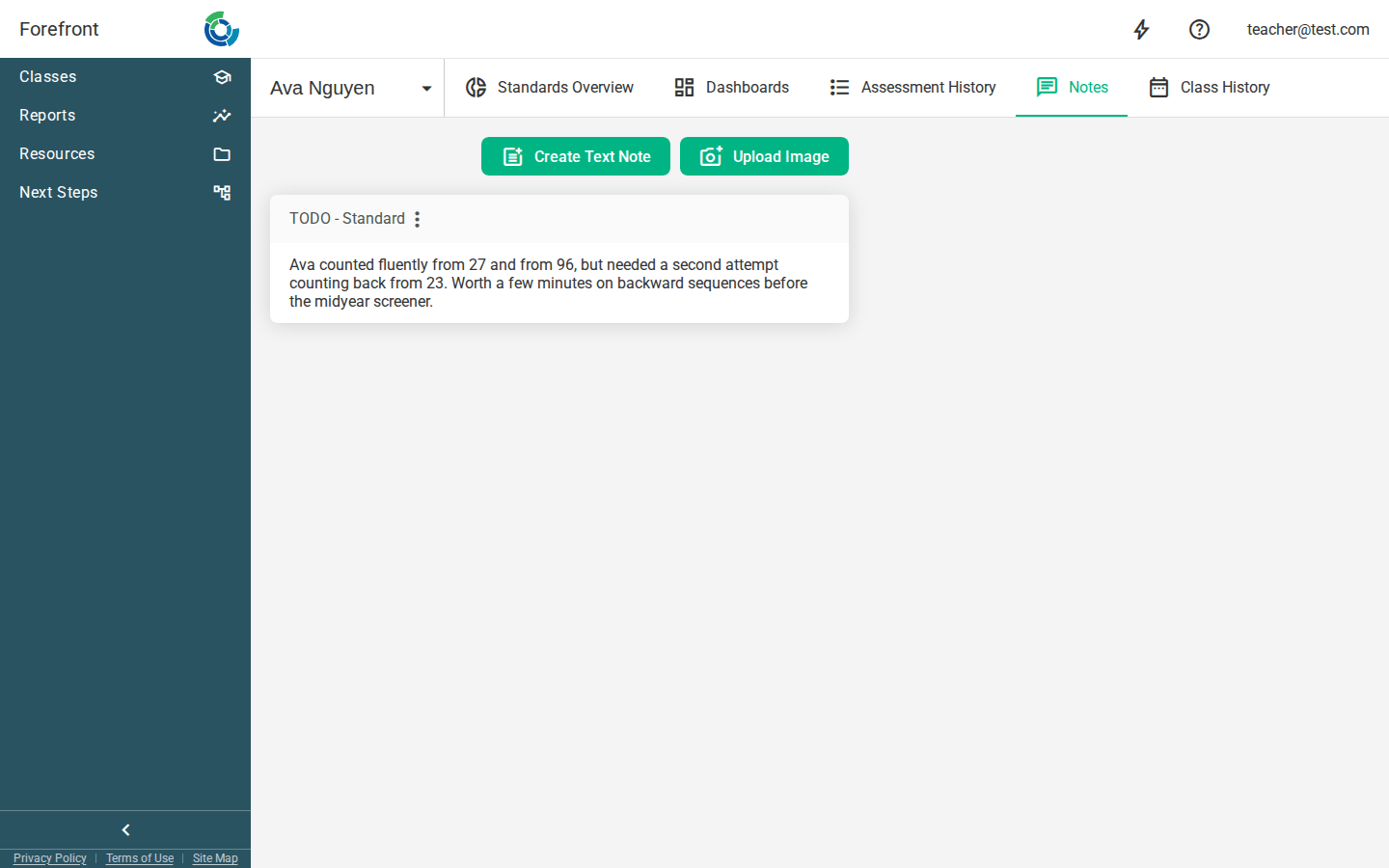
Adding a note
Two buttons at the top of the page create new notes:
- Create Text Note — write a free-text observation.
- Upload Image — attach a picture (for example, a photo of a student’s work).
New notes appear in the list below as soon as you save them.
Working with existing notes
Each note is shown as a card in the list. From a note you can read its full content and, if you created it, edit or remove it. Notes can be tied to the context they were taken in (such as a specific assessment or standard), so they stay meaningful over time.
Printing
The page includes the student’s name and ID in a print header, so a printed copy of the notes is clearly labeled.
When there are no notes yet
Before any notes exist, the page shows a “No Available Notes” placeholder. Once you add notes for the student, they’ll be listed here.